Tutorial of Moyea Importer for Adobe Premiere
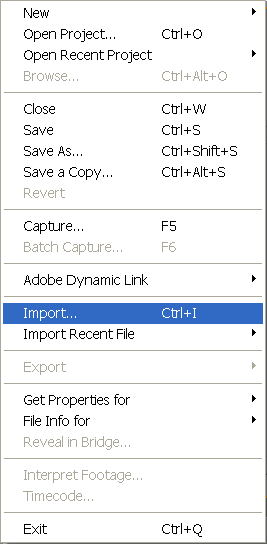
- Once the Moyea plug-in program is installed on your computer, the process of importing FLV files, VOB files, RMVB files and others could be quite simple: just follow the original approaches offered by Adobe Premiere. Firstly, start Adobe Premiere Pro 2.0 and click (File > Import……)
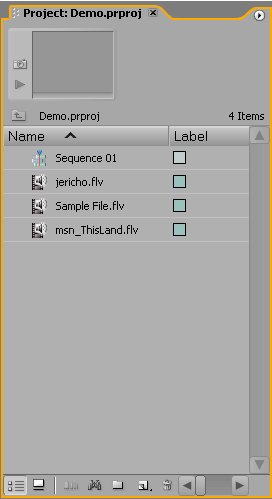
- Alternatively, you can double click the blank space below the horizontal bar in the “Project” window as shown:
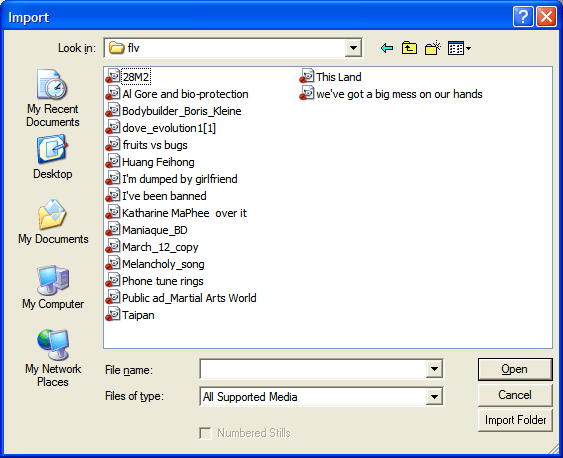
- And the Import dialogue box will pop up immediately:
- Then, you can select the source FLV file that you intend to edit and click on “Open” button, and Moyea FLV Importer for Adobe Premiere will help you to import the selected FLV file into Adobe Premiere.
- Importing VOB, MPG, RMVB files is the same as the above steps.
Ready to Try or Buy?
 (Price:$69.95)